
Embrilo
Private chat and voice for the people you play with.
See which friends are around, drop into their call in one click, and keep the chat going between games. Messages, files, calls and your availability are end-to-end encrypted: our server passes them on and can't read them.
Download for Windows Public beta
For Windows 10 and 11, 64-bit. Free.
This is a beta, and it has not been audited yet
Embrilo's encryption uses well-reviewed standards (MLS for conversations, SFrame for voice), but Embrilo's own design and code have not yet been independently audited. Some weaknesses are known, and we list them in plain words: known limitations. Don't rely on Embrilo where your safety depends on it.
Things will break. Tell us when they do: contact@digitalden.so.
What it does
See who's around
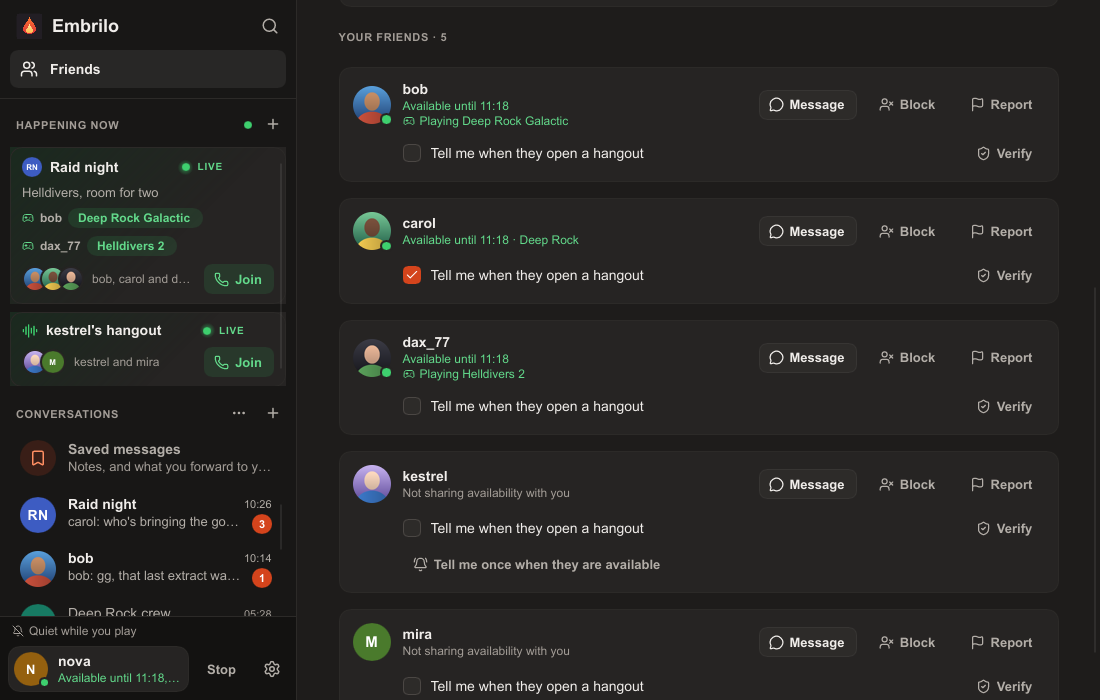
Say you're free until 11, and what you're playing if you like. Only the friends you choose see it, and you can open the app without anyone knowing.
Drop in, one click
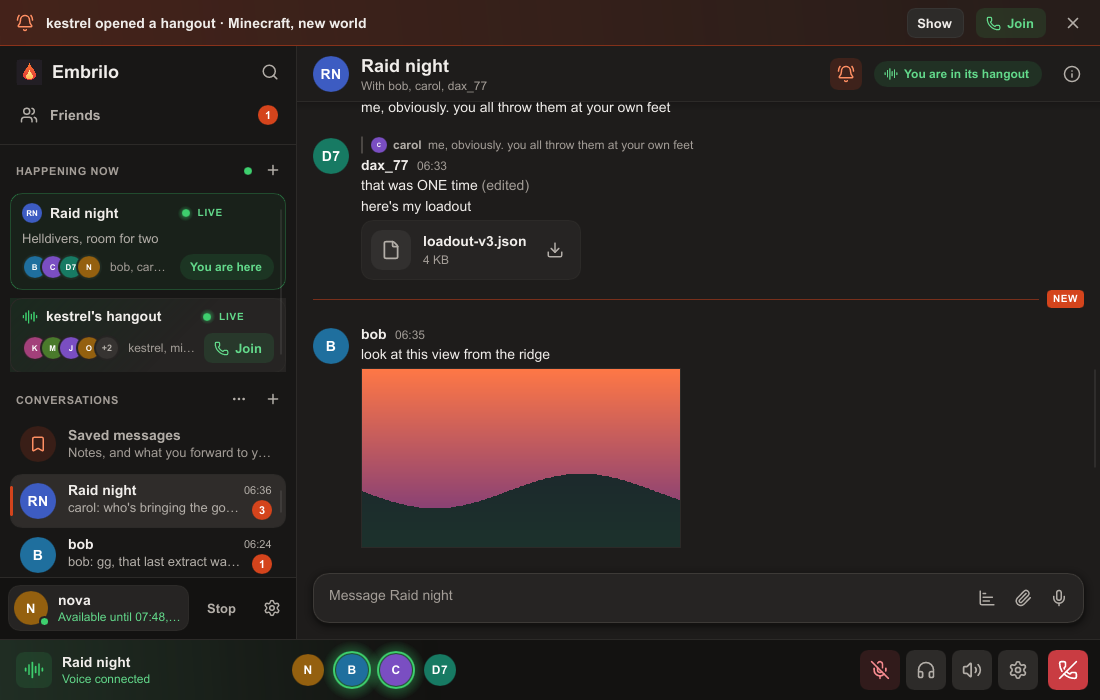
Open calls show under Happening now with a Join button. Get told only when the friends you picked start one.
Voice for gaming
Echo cancellation and noise suppression, push to talk that works while a game has focus, and mute on a shortcut. Calls go through our relay, so nobody in a call sees anyone else's address.
The chat you'd expect
Groups and direct messages, replies, reactions, edits, files, voice messages, polls, pins and search. Each conversation chooses how long it keeps messages: a day, a week, 30 days, or for good.
Know who you're talking to
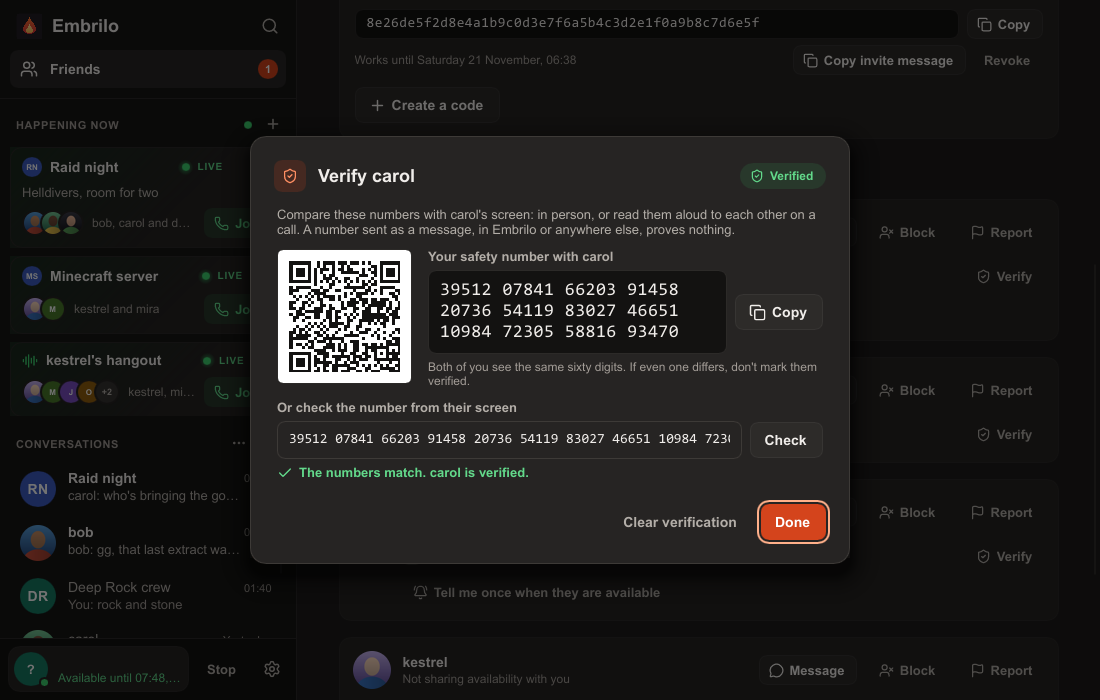
Compare safety numbers with a friend to mark them verified. If their key ever changes, the app tells you instead of quietly accepting it.
Yours to keep or delete
No phone number, email or real name. Export your conversations to your PC, back them up encrypted if you choose, and delete your account whenever you like.
What it looks like
Privacy, in short
- Never readable by us: your messages, group names, files, calls, availability, what you're playing, and who you want alerts for.
- What our server does see: who is friends with whom, which accounts share a group or a call, and when devices are online. It has to, to deliver messages. We keep as little as we can, for as short a time as we can.
- No tracking: no ads, no analytics SDKs, no selling data, no training AI on what you write.
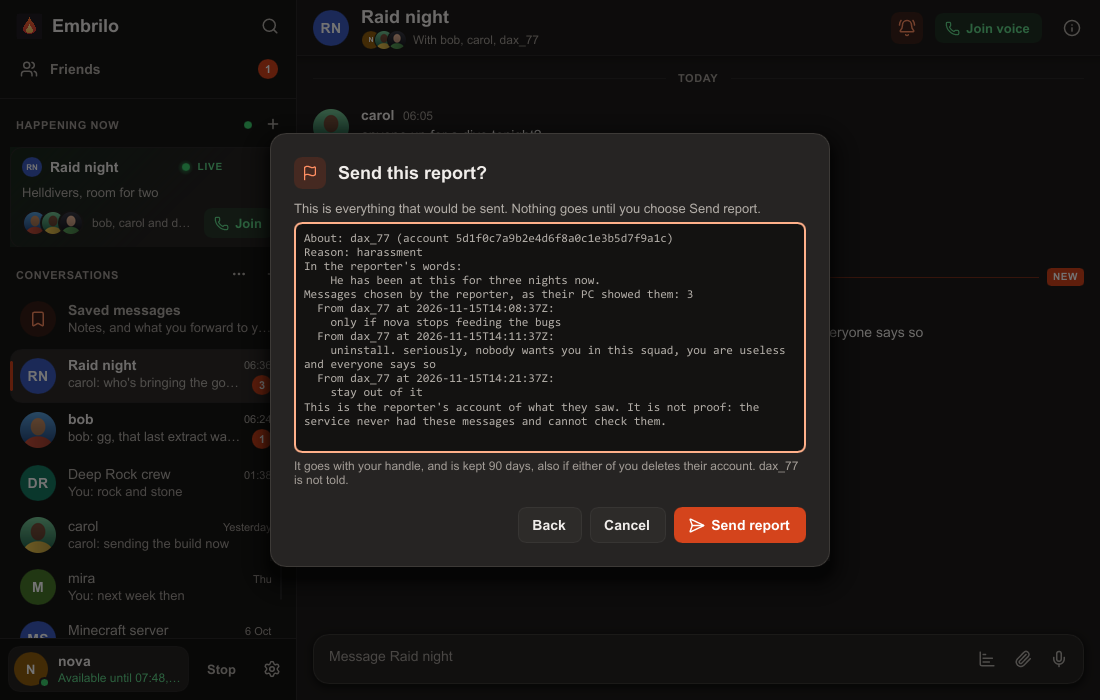
- One exception, reports: whoever reports someone picks the messages to include and sees exactly what will be sent; we can read those, and only those.
The details: Privacy Policy and known limitations.
Download
- Windows 10 or 11, 64-bit. There is no Mac, Linux or phone app yet.
- Installs for your Windows user only, with no administrator password. It adds itself to the Start menu, and updates itself.
- A headset or headphones for voice, which needs about 70 kbit/s for each person talking.
- The installer is about 15 MB.
The installer is not yet signed with a certificate Windows recognises, so Windows SmartScreen may show "Windows protected your PC" when you run it: choose More info, then Run anyway. On a PC with Smart App Control on, Windows won't run it at all yet.